Quick answer: Local SEO in India means helping your business show up when people nearby search for what you sell, on Google Search and Google Maps. Google says local results depend on three things: relevance, distance and prominence. For a small business, the work comes down to a complete Google Business Profile, a website with clear city and service pages, the same name, address and phone number everywhere, and genuine reviews.
Local SEO in India: what it means for a small business
When someone in Jaipur types “dentist near me” or “AC repair Udaipur”, Google shows a map with a few businesses, then normal website results below it. Local SEO is the work that helps you appear in both places for searches in your area.
Many of these searches happen on a phone, often when the person is ready to call or visit. That is why a local customer is usually worth more than a random visitor from another state. A clinic, coaching centre, showroom, CA office or repair shop does not need all-India traffic. It needs the right people within a few kilometres.
How does Google rank local businesses?
Google has published how local ranking works in its Business Profile help page on local ranking. It names three main factors:
- Relevance: how well your profile matches what the person searched. Complete, detailed business information helps Google make that match.
- Distance: how far your business is from the person searching.
- Prominence: how well known your business is. Signals include the number of other sites that link to you and your review count.
You cannot change distance. You can improve relevance and prominence, and that is where all your effort should go. Google also states clearly that you cannot pay for a better local ranking, so be careful of anyone who sells “Maps top 3” as a guaranteed package.
How to rank on Google Maps: get the profile basics right
Your Google Business Profile is the listing that shows on Maps. If you do not have a website yet, our guide on using a Google Business Profile without a website explains what the profile can and cannot do on its own. Here we cover only the basics that affect ranking.
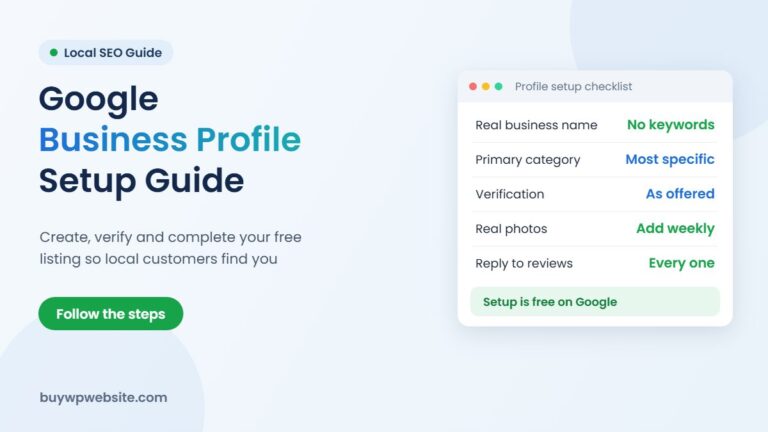
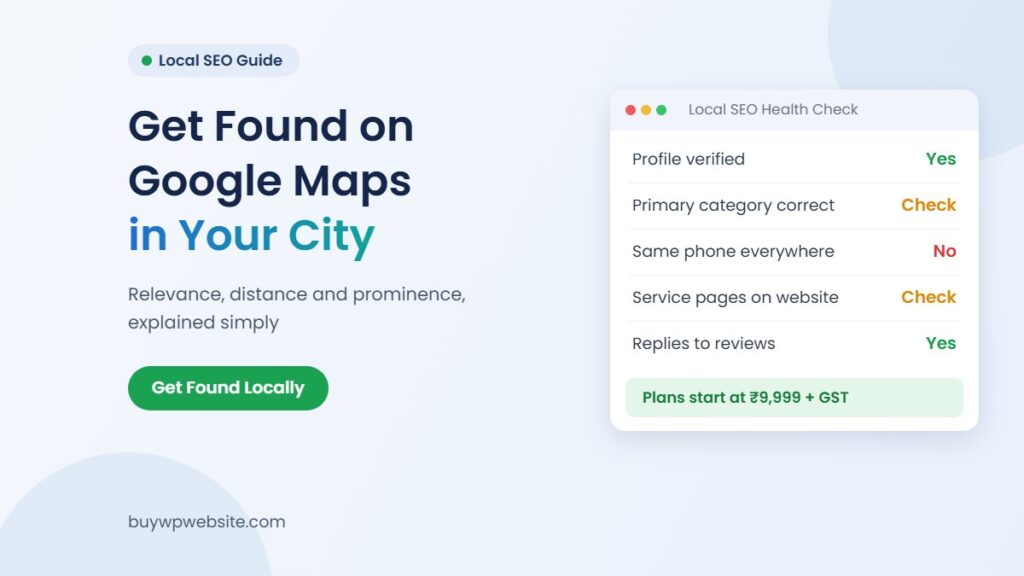
- Verify the profile. Google says verified businesses are more likely to show in results.
- Use your real business name. Google’s guidelines for representing your business say the name should reflect your real-world name, as on your signboard and stationery. Adding your city, a tagline or other extra words to the name is not allowed.
- Pick the right primary category. It tells Google what kind of business you are. Google asks you to choose the most specific category that still describes your main business.
- Fill every field. Address (or service area), hours, holiday hours, phone, website and attributes.
- Add real photos. Shop front, inside, team and work samples help people trust you before they call.
If you work from home and visit customers, such as a plumber or tutor, Google asks service-area businesses to hide their address and set a service area instead.
City and service pages on your website
Your profile tells Google where you are. Your website tells Google, in detail, what you do. A one-page site with a single line about “all types of services” gives Google very little to match against real searches.
One page per main service
Give each main service its own page. A physiotherapy centre might have separate pages for back pain, sports injuries and post-surgery rehab. An interior designer might have modular kitchens, office interiors and home renovation. Each page should explain the service, who it suits, what it involves and how to contact you, with your city mentioned naturally. A small business website with separate service pages makes this easy to keep up.
City pages only where you really serve
If you genuinely serve Jaipur, Ajmer and Kishangarh, a page for each city can help, as long as each page has real local details: the address or area you cover, travel time, local projects or the branch contact. Copying one page and only swapping the city name creates thin, near-duplicate pages that rarely help.
Hindi, English or both?
Write in the language your customers search in. Many people type Hindi words in English letters, like “kapde ki dukan Jaipur” or “AC repair wala”. Use your customers’ own words in headings and FAQs. If you add Hindi pages, make them proper pages, not machine translations.
If your site exists but still does not appear for your own business name, fix that first. Our guide on why a website is not showing on Google covers indexing problems step by step.
Build trust: consistent details, local listings and genuine reviews
One business name, address and phone number on every listing
Use one business name, one address format and one main phone number on your website, Google profile, Facebook, Instagram and directory listings. If your old number is still on ten listings, customers call a dead line and Google sees mixed signals about who you are.
Local listings: Justdial, IndiaMART and others
Directories are useful extra places to be found. Justdial is a local search and listing service used heavily for local services. IndiaMART is a B2B marketplace where manufacturers, traders and suppliers list products for business buyers. Both offer basic listings and paid plans; check their current terms before you pay. We compare them fairly in Justdial vs your own website.
Listings and your website work best together. The listing brings enquiries on someone else’s platform. Your website is the place you control, and it is what your Google profile links to.
Reviews: ask every happy customer, never fake them
Google counts how many reviews you have as part of prominence, and says replying to reviews shows customers you value their feedback. The simple habit is to send your review link on WhatsApp after every completed job and reply to every review, good or bad, politely.
Google’s Maps content policy does not allow paid reviews, discounts or gifts in exchange for reviews, reviews from staff, or asking only happy customers while discouraging unhappy ones. Google removes reviews that break these rules, and repeated violations can lead to action against the account.
Local SEO checklist for small businesses (with effort)
Start at the top. The first five items cost little and fix the most common problems.
| Task | Effort | Why it matters |
|---|---|---|
| Verify Google Business Profile | Low | Verified profiles are more likely to show |
| Correct primary category and hours | Low | Relevance and fewer wasted calls |
| Same name, address, phone everywhere | Low to medium | Removes confusion for Google and customers |
| Ask for reviews after every job | Low, ongoing | Prominence and trust |
| Reply to all reviews | Low, ongoing | Shows you value feedback |
| One website page per main service | Medium | Helps match specific searches |
| City pages where you really serve | Medium | Relevance for nearby towns |
| Update Justdial, IndiaMART and other listings | Medium | Consistent details, extra enquiries |
| Add real photos every month | Low, ongoing | Profile looks active and trustworthy |
| Track calls, directions and website clicks | Low, monthly | Shows what is working |
How to track calls and direction requests
Google’s Business Profile performance report shows calls from the call button, direction requests, website clicks, profile views and the search terms people used to find you. Check it once a month and write the numbers in a simple sheet.
On your website, a click-to-call button and a WhatsApp button make enquiries easy to count. Also ask every new customer how they found you. Over a few months, these numbers tell you whether your local SEO is working far better than any ranking screenshot.
How BuyWPWebsite can help
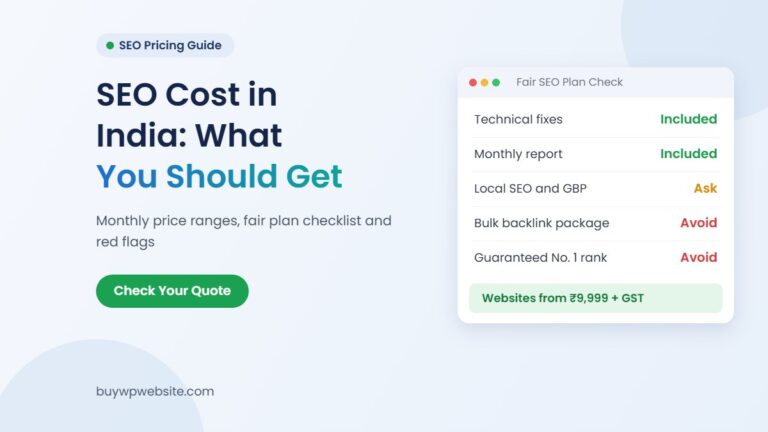
Most local businesses need a fast, mobile-friendly website with clear service pages, a click-to-call button, a WhatsApp button and a map, which is exactly what your Google profile needs to link to. Our business website plans start at ₹9,999 + GST for Basic (5 pages, about 4 working days). Standard is ₹14,999 + GST for 15 pages and suits businesses that want separate service and city pages. Premium is ₹24,999 + GST for 40 pages.
Every plan includes website design, hosting, domain, SSL and maintenance. Changes are free during the plan’s maintenance period. If you want to see the design first, you can order a ₹999 + GST design preview. You can see every package side by side on our website plans page.
For ongoing SEO, Google Business Profile management or ads, our sister team at Webuncles digital marketing handles that work. We do not promise rankings; nobody honestly can.
Not sure where to start? Message us on WhatsApp with your business type and city, and we will suggest which plan and pages fit your local search goals.
Frequently asked questions
How long does local SEO take to show results?
There is no fixed time. Fixing profile errors, categories and hours is quick to do, while reviews and website pages build up over months. Track calls and direction requests monthly rather than checking rankings daily.
Can I rank on Google Maps without a website?
Yes, a verified Google Business Profile can appear on Maps without a website. A website still helps, because it gives Google more detail about your services and gives customers a place to check you before they call.
Can I pay Google to rank higher on Maps?
No. Google states there is no way to request or pay for a better local ranking. Google Ads can show your business in sponsored spots, but that is advertising, not organic ranking.
Should I add “near me” to my website or business name?
No. Google already uses the searcher’s location for “near me” searches, and Google’s guidelines do not allow extra words such as locations or taglines in your business name. Mention your city and areas naturally on your website instead.
Is local SEO worth it for a small shop or clinic?
For most local businesses, yes. The people searching nearby are often ready to call or visit, and the basic tasks in the checklist above take more time than money.